
How Automatic Transfers Make Saving Easier to Sustain

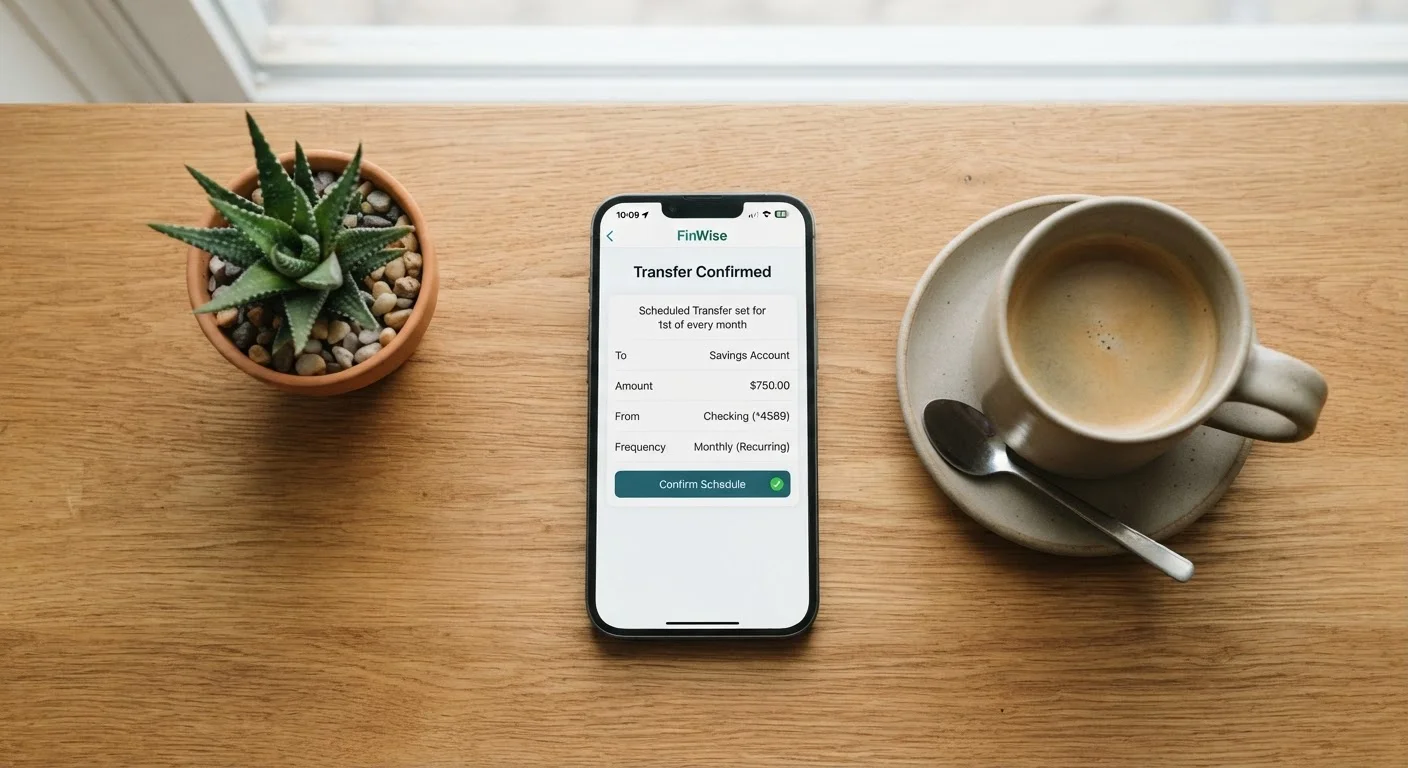
Photo: UltraSearches.com | Search Results You Can Trust editorial
Key Takeaways
- Automatic transfers remove repeated decision-making, which is the main reason saving falls apart.
- Even small, consistent transfers compound meaningfully over time due to habitual regularity.
- Timing your transfer to align with payday prevents the money from feeling available to spend.
- A separate savings account creates a psychological barrier that reduces impulsive withdrawals.
- You can start with any amount - the automation habit matters more than the initial dollar figure.
Why Willpower Alone Rarely Gets the Job Done
Most people intend to save. The gap between intention and action isn't about values or work ethic - it's about friction. Every time saving requires a conscious decision, that decision competes with a dozen other financial pressures. Research in behavioral economics consistently finds that humans tend to prioritize present spending over future benefit, a pattern called present bias. Willpower is a finite resource, and relying on it every pay period creates exactly the conditions where saving breaks down.
Automatic transfers sidestep this problem by converting saving from an active choice into a background process. Once configured, the transfer happens regardless of how distracted, stressed, or tempted you are on any given day. The decision has already been made - you made it once, and it repeats without your involvement.
This is the same principle behind employer-sponsored retirement contributions. When savings are deducted before a paycheck hits your checking account, most people adjust their spending to whatever remains. The same logic applies when you configure your own automatic transfer. For a broader look at how consistent habits support your financial foundation, see budgeting habits that hold up over time.
What you will need
How to Set Up an Automatic Transfer That Sticks
Setting up a transfer takes only a few minutes, but the choices you make upfront - amount, timing, destination - largely determine whether it becomes a lasting habit or something you quietly cancel in month two.
Choose a realistic starting amount
Pick a figure that won't strain your regular spending. If you're unsure, start with 1-2% of your take-home pay and treat it as a floor, not a ceiling. The goal at this stage is consistency, not size. An amount that feels almost too small is fine - you can increase it later once the habit is established.
Open a dedicated savings account if you don't have one
Keeping savings in your main checking account makes it invisible against your everyday balance. A separate account - ideally with no debit card attached - creates a clear boundary between money earmarked for the future and money available to spend today. Most banks and credit unions allow you to open additional savings accounts at no cost.
Schedule the transfer for your payday
Log into your bank's online portal or app and create a recurring transfer from your checking to your savings account. Set the date to match your payday - or the day immediately after. Money that never reaches your spending account is money that doesn't register as available. This timing replicates the mechanism behind payroll deductions: you spend what's left, not what's total.
Confirm the transfer completed and monitor for one month
After your first transfer runs, verify it completed without triggering a negative balance or any bank alerts. Check your checking account balance at your normal low point - typically a day or two before your next paycheck - to confirm the transfer amount didn't create unnecessary strain. If it did, reduce the amount rather than canceling the automation entirely.
Increase the amount gradually as your budget allows
Every time you get a raise, a bonus, or reduce a recurring expense, direct a portion of that freed-up cash toward your automatic transfer before it gets absorbed into lifestyle spending. Even a $10-$25 increase per pay period adds up substantially over a year. This incremental approach - sometimes called a savings rate escalator - builds the habit of saving more without requiring dramatic one-time sacrifices.
Use Your Bank's Nickname Feature
Once the transfer is running, pair it with a lightweight check-in habit. Tracking your spending even briefly each month helps you catch shortfalls before they force you to reverse a transfer. And as your income changes over time, revisiting why your savings rate matters more than your balance gives you a useful benchmark for deciding whether to increase the amount.
Common Pitfalls and How to Avoid Them
Automation reduces friction but doesn't eliminate all risk. A few issues come up often enough to be worth anticipating.
- Overdrafts from poor timing: If your transfer runs before your paycheck clears, your checking account can dip below zero, triggering fees. Schedule transfers for one business day after your typical deposit date.
- Set-it-and-forget-it drift: Life changes - a rent increase, a new expense, a pay cut. Review your transfer amount at least twice a year to make sure it still fits your budget without causing stress.
- Treating the savings account as a second checking account: Easy access can erode the separation that makes automation effective. If impulse withdrawals are a pattern, consider a savings account at a different institution, which adds a small but meaningful delay to accessing the funds.
Autopay and Auto-Save Are Not the Same
If your budget is genuinely tight, starting small is not a compromise - it's the right move. A $25 automatic transfer you never cancel outperforms a $200 transfer you reverse after three weeks. For more on this, saving on a tight budget walks through principles that work at any income level.
This article is for general informational and educational purposes only and does not constitute personalized financial advice. Consult a qualified financial professional for guidance specific to your situation.
The content on this site is for informational purposes only and is not a substitute for professional advice. Always consult a qualified professional for guidance specific to your situation.