
Consumer Electronics Terminology Glossary: A-Z Reference

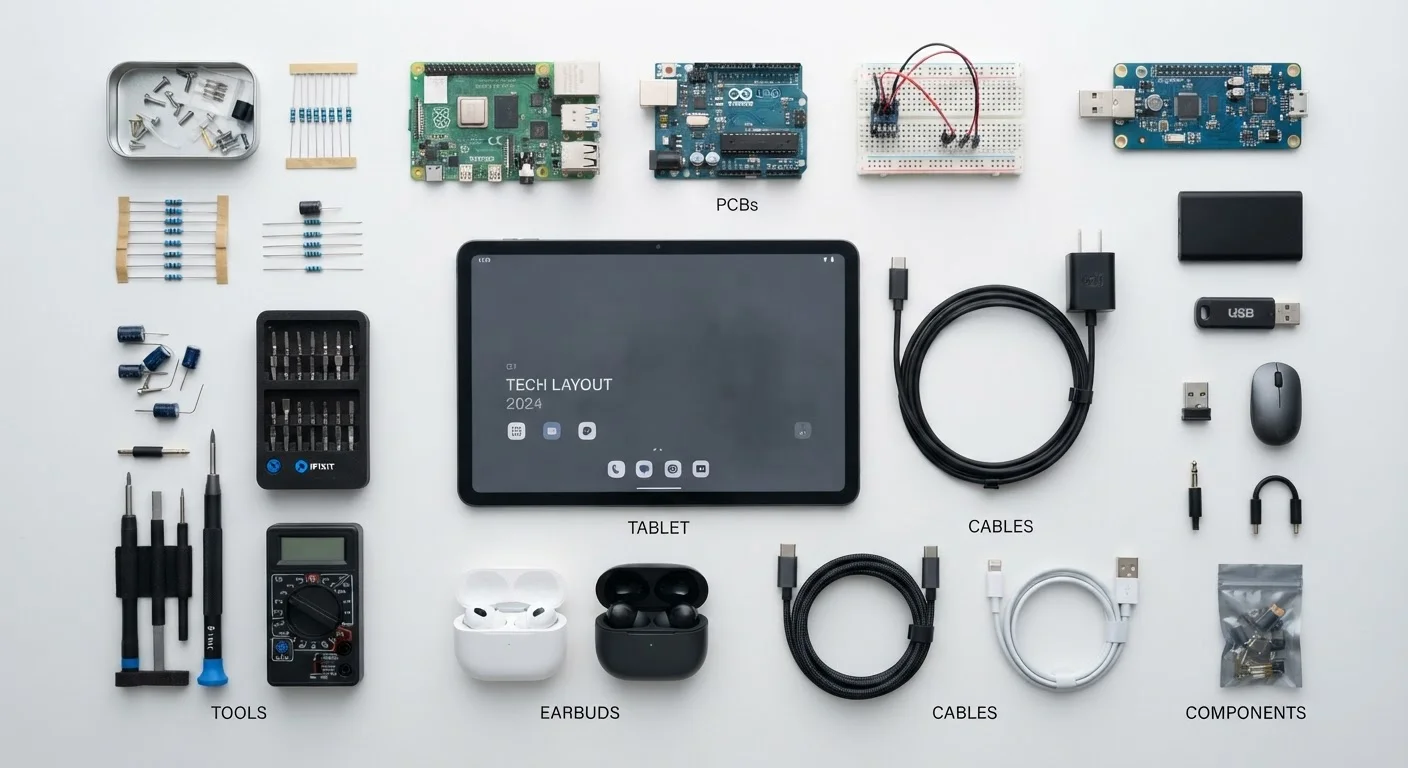
Photo: UltraSearches.com | Search Results You Can Trust editorial
How to Use This Glossary
Consumer electronics listings pack product pages with acronyms, version numbers, and rating codes that can be genuinely confusing - even for experienced shoppers. This reference covers the terms you're most likely to encounter across smartphones, laptops, audio gear, and home networking equipment.
Entries are grouped by category below rather than strict alphabetical order, so related concepts sit together. For a parallel reference covering financial vocabulary, see our plain-language financial terms guide.
Specs on Paper vs. Real-World Use
Display Terms
Display specs appear on nearly every screen-based device listing. Understanding them helps you set realistic expectations before purchase.
AMOLED
Active Matrix Organic Light-Emitting Diode - a display technology where each pixel generates its own light, enabling true blacks, vivid contrast, and efficient power use when showing dark content.
Refresh Rate
The number of times per second a display redraws its image, measured in hertz (Hz). Higher rates (90 Hz, 120 Hz) produce smoother motion, particularly noticeable in gaming and scrolling.
IP Rating
Ingress Protection rating - a standardized two-digit code (e.g., IP67) indicating a device's resistance to solid particles (first digit) and liquids (second digit). Higher numbers denote greater protection.
Codec
Short for coder-decoder - software that compresses and decompresses audio or video data. In wireless audio, codecs like AAC, aptX, and LDAC determine audio quality and latency over Bluetooth.
USB-C
A reversible, oval-shaped USB connector standard. The connector type alone does not determine data speed or charging capability - those depend on the underlying USB protocol version (e.g., USB 3.2, USB4).
Latency
The delay between a signal being sent and received. In audio, it describes the gap between video action and sound. In networking, it measures round-trip data travel time, usually in milliseconds.
HDR
High Dynamic Range - a display or content standard that expands the range between the brightest whites and darkest blacks. Common standards include HDR10, Dolby Vision, and HLG, each with different specifications.
NFC
Near Field Communication - a short-range wireless technology (effective at roughly 4 cm) used for contactless payments, device pairing, and data transfer between compatible devices.
Wi-Fi 6 (802.11ax)
The sixth major generation of Wi-Fi, offering improved throughput, better performance in congested environments, and more efficient power use compared to Wi-Fi 5, particularly in homes with many connected devices.
PPI
Pixels Per Inch - a measure of display sharpness. Higher PPI means more pixels packed into each inch, generally producing finer text and image detail at normal viewing distances.
mAh
Milliampere-hour - a unit measuring battery capacity. A higher mAh figure indicates a larger energy reservoir, though actual battery life also depends on the device's power draw and software efficiency.
Throughput
The actual amount of data successfully transferred per unit of time, usually measured in Mbps or Gbps. It is often lower than the theoretical maximum speed stated in marketing materials.
Beyond panel type and resolution, color gamut describes the range of colors a display can reproduce. sRGB is the baseline for most web content; P3 is a wider gamut standard common in premium devices. A display claiming P3 coverage will show more saturated colors - useful for photo editing, less significant for everyday browsing.
For more on which display figures actually move the needle day-to-day, see our guide to specs that matter less than advertised.
Connectivity and Wireless Standards
Wireless and port standards evolve quickly and share similar-sounding names, making them easy to conflate.
| USB4 Max Bandwidth | Up to 40 Gbps (USB Implementers Forum specification) |
| Bluetooth 5.0 Range | Up to 800 ft (line-of-sight, ideal conditions) (Bluetooth SIG technical specification) |
| IP68 Water Resistance | Rated for immersion beyond 1 meter (depth/duration set by manufacturer) (IEC 60529 standard) |
| Standard Refresh Rate | 60 Hz (baseline for most displays) (Consumer display industry convention) |
| Wi-Fi 6E Spectrum | Adds 6 GHz band to 2.4 GHz and 5 GHz (FCC spectrum allocation) |
| NFC Operating Range | Approximately 4 cm or less (ISO/IEC 18000-3 standard) |
Wi-Fi generations are now labeled numerically (Wi-Fi 5, Wi-Fi 6, Wi-Fi 6E) rather than by the older 802.11ac/ax designations, though both appear on product packaging. The numeric name reflects marketing simplification - the underlying 802.11 protocol designation still appears in technical documentation.
Bluetooth codecs directly affect wireless audio quality. SBC is the universal fallback; AAC is common on Apple devices; aptX and LDAC offer higher-quality encoding when both source and receiver support the same codec. Our dedicated Bluetooth codecs and versions guide explains each in detail.
For USB ports, the connector shape (USB-C, USB-A) and the protocol version are separate attributes. A USB-C port may support USB 2.0 speeds or USB4 speeds depending on the device's internal hardware - always check the protocol version, not just the connector type.
Battery, Durability, and Other Common Terms
A few remaining categories appear frequently enough to warrant attention.
Charging speed is typically quoted in watts (W). Both the charger and the device must support the same fast-charging standard - such as USB Power Delivery (USB-PD) or a proprietary protocol - for rated speeds to apply. A high-wattage charger paired with an incompatible device will default to slower charging.
IP ratings describe tested resistance, not permanent immunity. Seals degrade over time, and most manufacturer warranties do not cover water damage even on rated devices. The rating also reflects testing under controlled lab conditions, not real-world scenarios like pressurized jets or chlorinated water.
RAM vs. Storage is a distinction worth stating plainly: RAM (Random Access Memory) is temporary working memory the processor uses for active tasks; storage (eMMC, UFS, NVMe SSD) is where files, apps, and the operating system permanently reside. More RAM generally supports smoother multitasking; faster storage improves load times.
Good understanding of these terms also supports longer device ownership - see our tips for extending your electronics' useful life for practical maintenance habits.
The content on this site is for informational purposes only and is not a substitute for professional advice. Always consult a qualified professional for guidance specific to your situation.