
How to Extend the Useful Life of Your Consumer Electronics

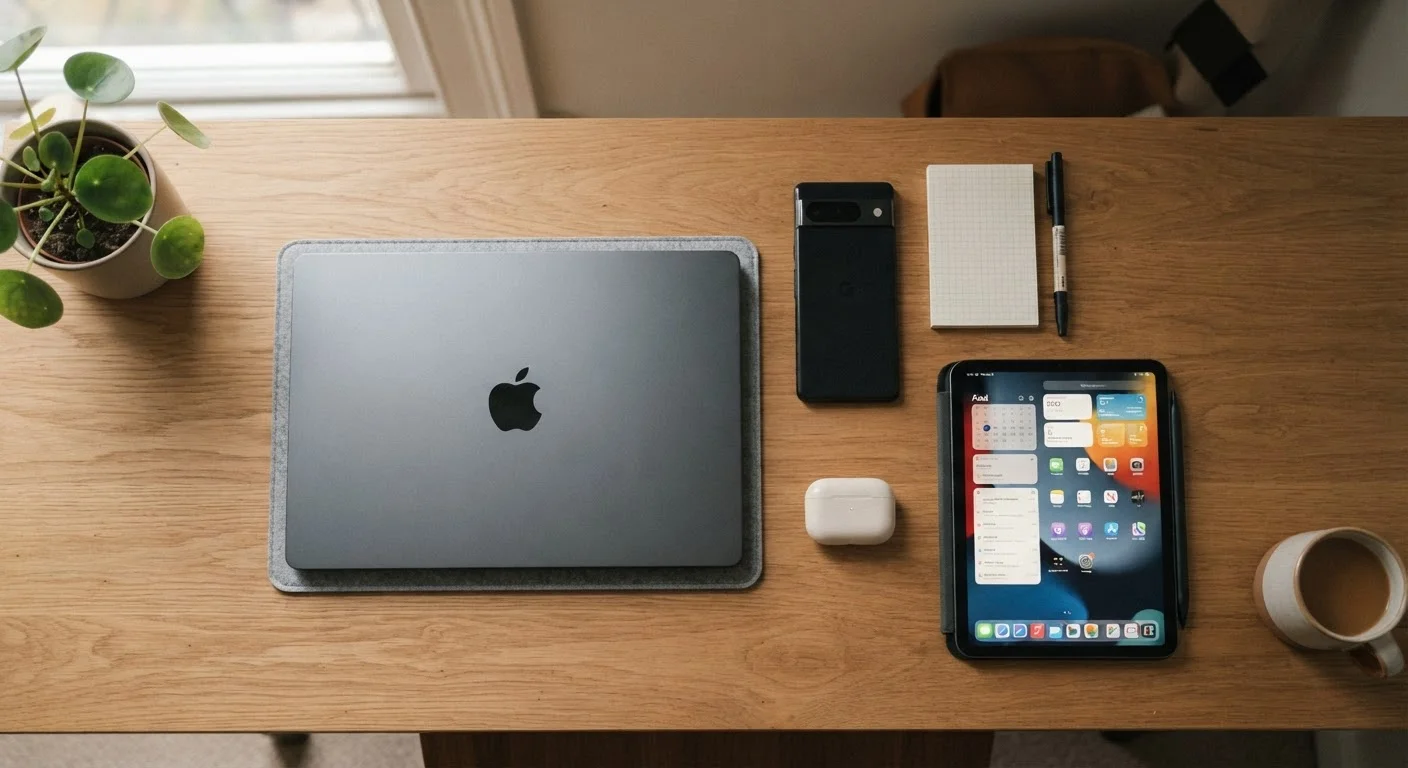
Photo: UltraSearches.com | Search Results You Can Trust editorial
Key Takeaways
- Keeping battery charge between 20% and 80% is one of the most effective ways to slow battery degradation.
- Heat is the leading environmental threat to electronics longevity - storage and usage location both matter.
- Routine software updates patch security holes and often improve system stability and hardware efficiency.
- Physical protection and proper storage conditions can prevent the majority of premature device failures.
- Periodic cleaning of ports, vents, and screens reduces hardware stress and maintains performance.
Why Device Longevity Is Worth Pursuing
Consumer electronics represent a significant household expense, and most devices are capable of performing reliably well beyond the point at which many people replace them. The decision to replace a device is often driven by habit, marketing, or a single fixable problem - not genuine end-of-life failure.
Understanding what actually degrades electronics helps you intervene early and effectively. The main culprits are heat, charge cycle abuse, physical damage, software neglect, and inadequate storage conditions. Each of these is largely within your control. For context on what specs actually matter in the devices you own, see our guide to electronics specs that rarely affect real-world experience.
Core Practices for Extending Device Life
The following practices apply across smartphones, laptops, tablets, and most rechargeable consumer electronics. Consistency matters more than perfection.
Keep lithium battery charge between 20% and 80% during normal use
Avoid exposing devices to sustained heat above 95°F (35°C)
Install operating system and firmware updates promptly
Clean ports, vents, and external surfaces on a regular schedule
Use a quality case and screen protector from day one
Manage background apps and storage to reduce processor and memory strain
Quick Actions You Can Take Today
You don't need to overhaul your habits all at once. Start with the highest-impact actions and build from there.
Software, Storage, and the Long Game
Hardware habits get most of the attention, but software maintenance is equally important. An outdated operating system creates security vulnerabilities, and bloated background processes quietly tax the battery, processor, and memory - accelerating wear even when you're not actively using the device.
Check Background App Activity Periodically
Storage conditions also deserve a second look. Devices left in hot cars, humid bathrooms, or dusty environments accumulate damage that isn't immediately obvious. Temperature extremes - both hot and cold - cause battery cells to degrade faster and can affect solder joints and screen adhesives over time.
If you're also thinking about managing household operating costs broadly, our article on hidden costs of running home appliances year-round covers similar principles applied to larger household equipment. And if you want a benchmark for how long devices should last under normal conditions, the appliance lifespan reference guide offers useful comparisons.
2-3 years
Typical smartphone battery lifespan without care
Battery manufacturers generally rate lithium-ion cells for 300-500 full charge cycles before noticeable capacity loss, which under typical daily charging habits translates to roughly two to three years.
~20%
Capacity loss from sustained high-heat exposure
Research from battery technology institutions indicates that operating or storing lithium batteries at consistently elevated temperatures can cause up to 20% additional capacity loss compared with devices kept at room temperature.
The content on this site is for informational purposes only and is not a substitute for professional advice. Always consult a qualified professional for guidance specific to your situation.