
What to Check Before Buying a Refurbished Electronic Device

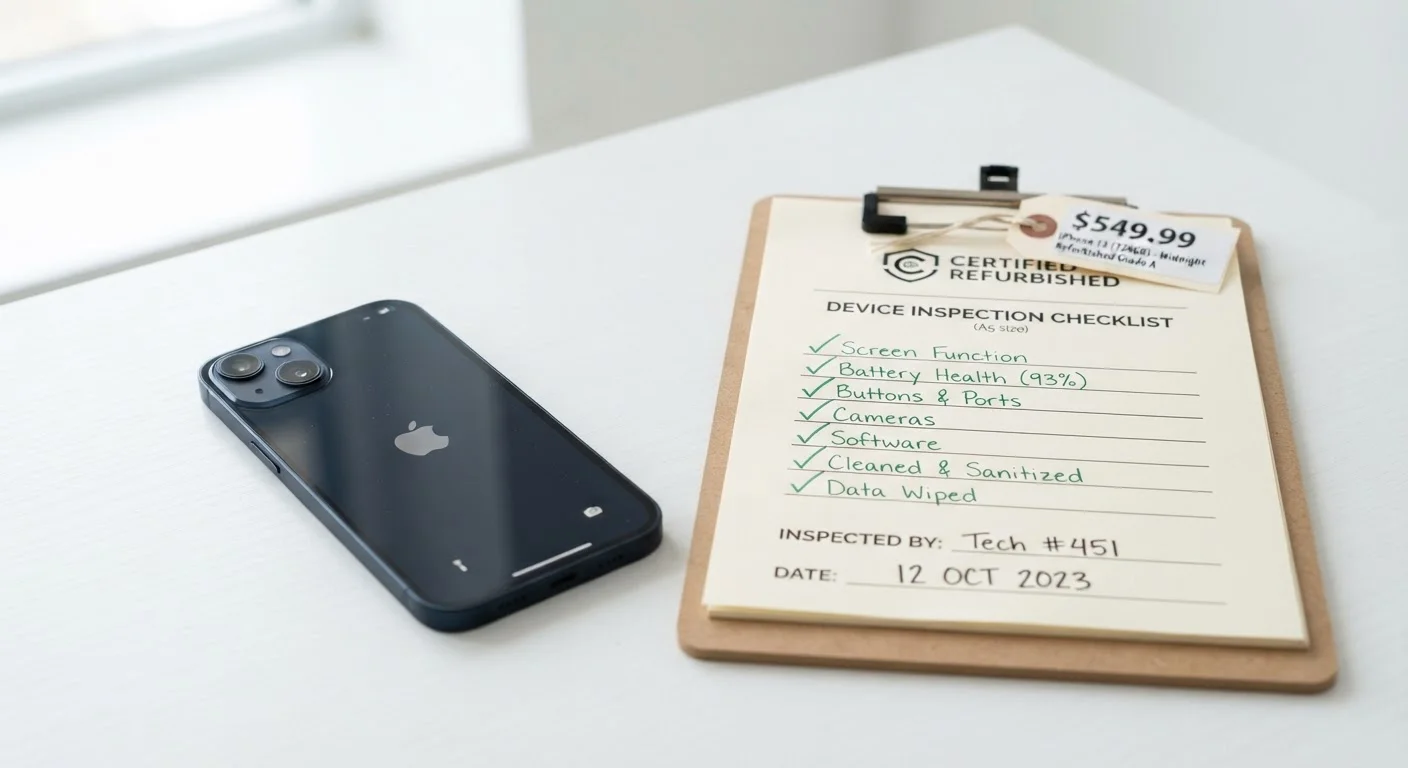
Photo: UltraSearches.com | Search Results You Can Trust editorial
Key Takeaways
- "Refurbished" means different things depending on who did the work and what standards they followed.
- Warranty coverage and return policies vary significantly between sellers and should be verified before purchase.
- Battery health is one of the most commonly overlooked specs on refurbished portable devices.
- Cosmetic grading systems differ by seller, so always read the grading definitions, not just the grade label.
- Buying from a manufacturer-certified program typically offers stronger guarantees than third-party listings.
- Testing the device within the return window is essential - not optional.
Why Refurbished Isn't One-Size-Fits-All
The word "refurbished" covers a wide spectrum - from a lightly tested open-box return to a device that's been fully disassembled, repaired, and re-inspected. That range is what makes due diligence so important. Unlike buying new, where specs are standardized, refurbished purchases require you to evaluate the seller as much as the device itself.
Manufacturer-certified refurbishment programs generally follow defined testing protocols and may restore devices close to factory condition - including replacing batteries or screens. Third-party refurbishers operate without a universal standard, which means quality can vary widely. Understanding that distinction is your starting point.
For context, the same kind of thinking applies in other markets: when buying a vehicle, the gap between "used" and "certified pre-owned" matters significantly, as explained in our guide on what each option actually means. Electronics follow a similar logic.
GSMA IMEI Checker
Verify that a smartphone's IMEI number has not been reported stolen or blacklisted before purchase.
Manufacturer's certified refurbished portal
Compare the listing against the original manufacturer's own refurbished inventory to understand what a certified unit should include.
Device specification database (e.g., GSMArena, Notebookcheck)
Cross-reference listed specs against the verified original specs for the device model.
Credit card with purchase protection
Some cards offer additional coverage for purchases that arrive damaged or not as described - check your card's benefits before buying.
How to Use This Checklist
Work through these items before you commit to a purchase - ideally while you still have the listing open and can ask questions or walk away. Some items apply during research; others apply after the device arrives. The return window is your safety net, but only if you use it.
If you're shopping online, pair this checklist with our pre-purchase checklist for online orders, which covers seller credibility, shipping terms, and total cost verification.
Seller & Source Verification
Warranty & Coverage
Cosmetic Condition
Hardware & Battery Health
Software & Account Status
Marketplace Listings Require Extra Caution
After You Receive the Device
Unbox and inspect the device the same day it arrives. Don't wait. Most return windows begin on the delivery date, not the date you first power it on. Run every port, button, camera, speaker, and connectivity feature through its paces within the first 48 hours.
Check software settings to confirm the device isn't still linked to a previous owner's account - a locked device can be unusable regardless of its hardware condition. On smartphones, verify the IMEI number hasn't been reported stolen using a free carrier or GSMA lookup tool.
Once you're satisfied the device works as described, consider habits that extend its useful life, including charging practices and software maintenance. A well-maintained refurbished device can serve reliably for years.
Test Everything Within the Return Window
The content on this site is for informational purposes only and is not a substitute for professional advice. Always consult a qualified professional for guidance specific to your situation.